Every phone in the room,
interacting with you live
An interaction tool for corporate trainers, speakers and teachers. Your audience scans a QR code to vote, ask and answer quizzes; as you move through your slides, their phones follow along. No app needed!
Sign in with Google and create your first session in a minute.
One session, one QR code, every interaction
Everything below is a real Ripple screen.
The audience upvotes; cover the hot topics first
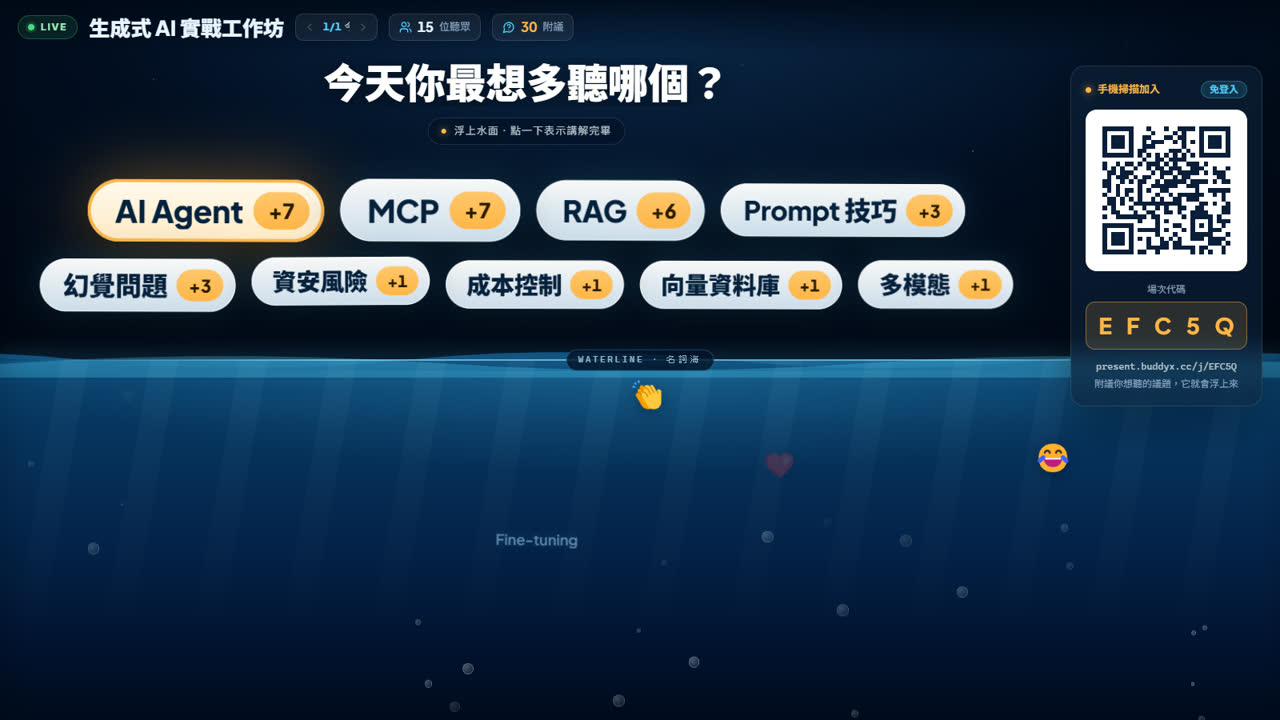
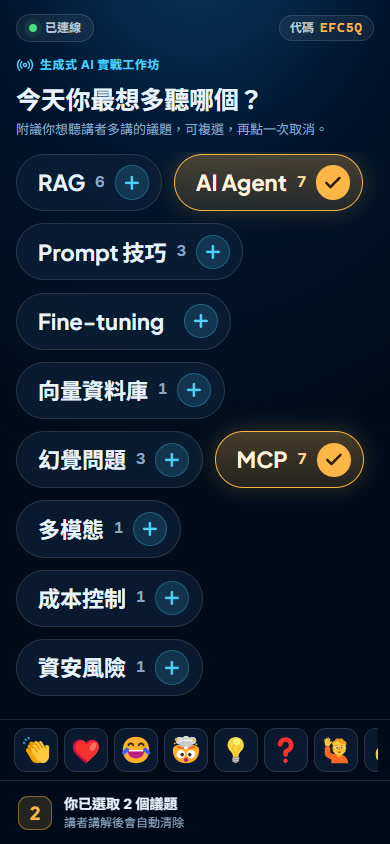
List your topics and the audience upvotes the ones they want to hear more about, or suggests their own. The most upvoted rise to the surface. Click one when you've covered it and it sinks back into the sea.
Watch the results grow live
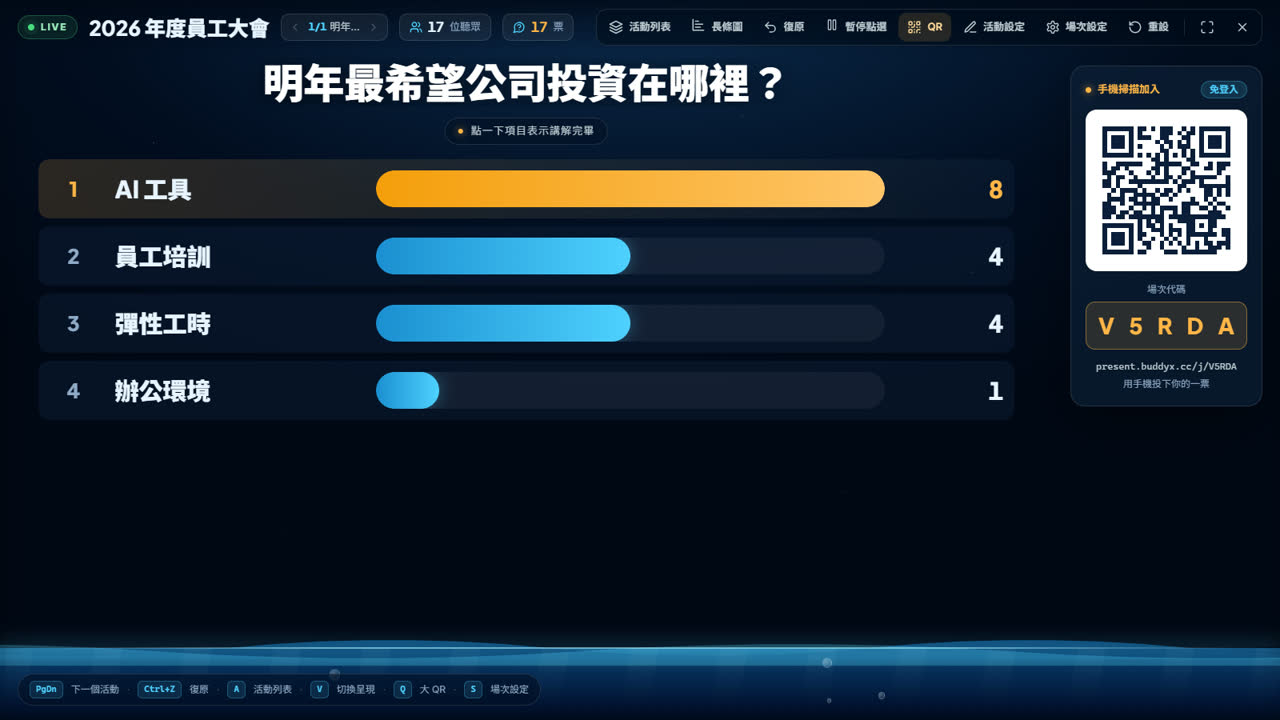
Single or multiple choice, shown as bars, a donut or a word cloud; switch anytime. Or keep results hidden until you reveal them.

Countdown, reveal, leaderboard
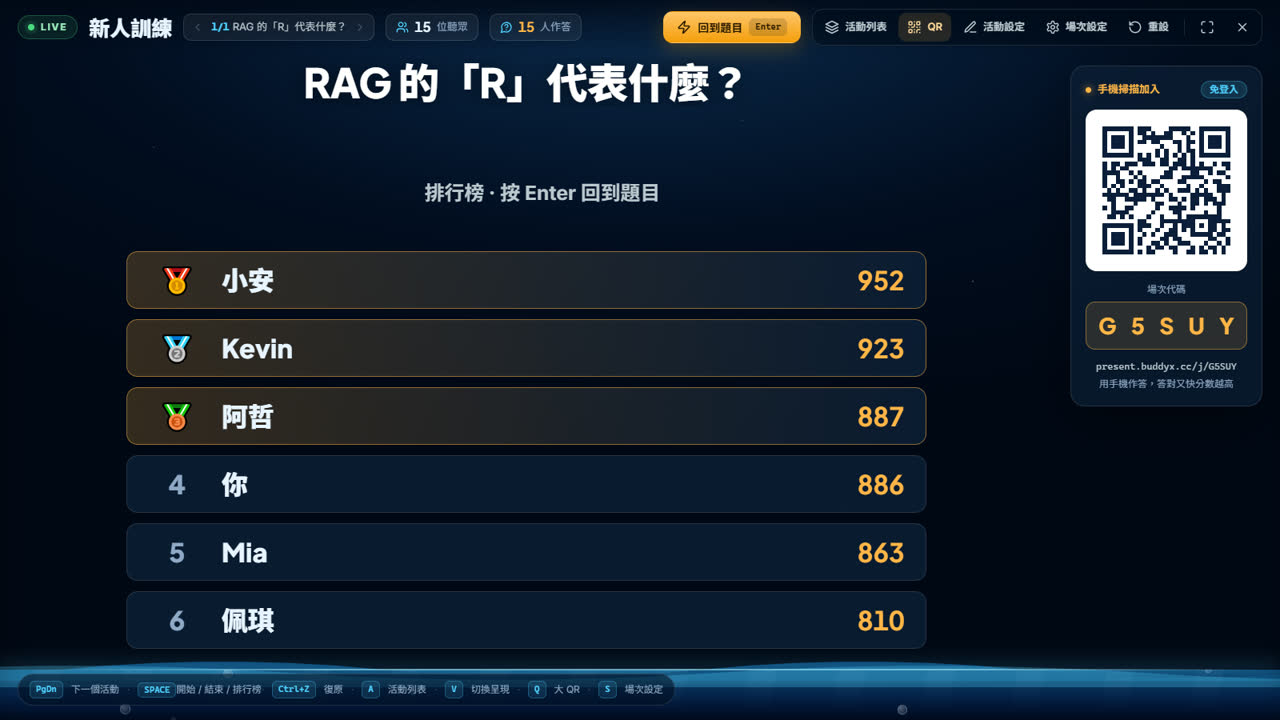
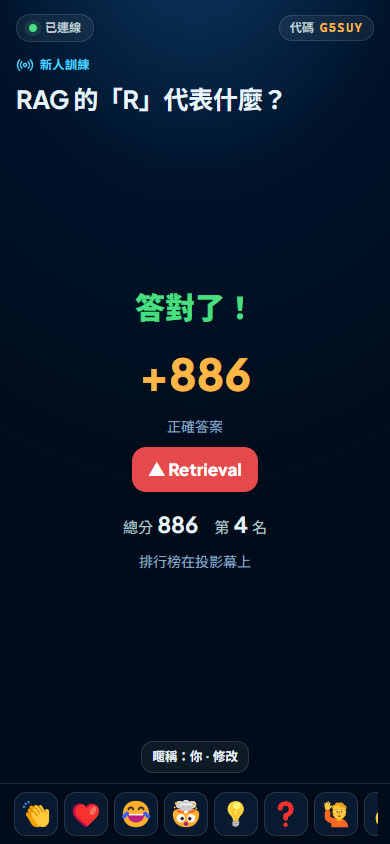
Faster correct answers score more. Each question ends with the answer, and the final leaderboard gets the whole room going. Anyone who skips the nickname still gets a fun one.
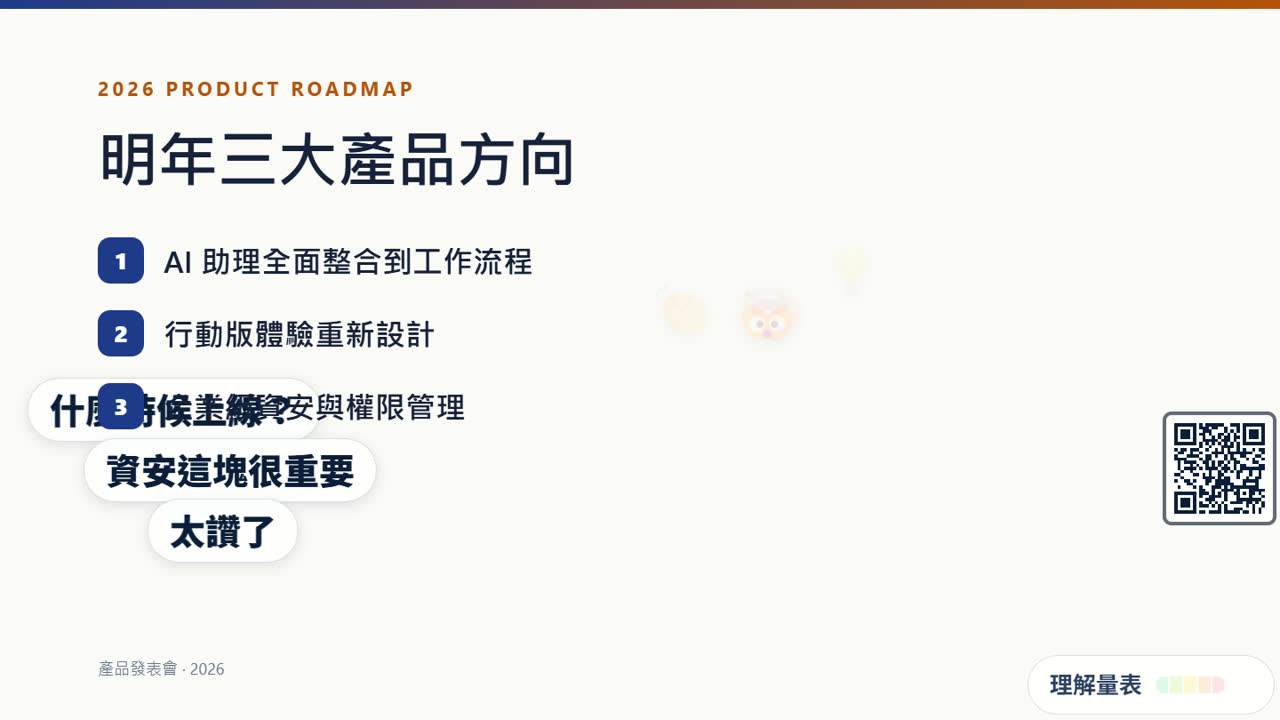
Right on your slides
Insert Ripple into a slide and send it to the back: reactions, comments and the understanding meter happen behind your content. Your clicker works as usual and phones switch automatically. Works on Windows and Mac.
On stage in three steps
- Step 1
Create a session
Sign in with Google, pick an activity type and a theme. Done in seconds.
- Step 2
Show the QR code
Open the stage in your browser, or put Ripple into your PowerPoint slides.
- Step 3
The audience scans and joins
Nothing to install, no sign-up. As you change slides, phones switch to the matching activity.
FAQ
Is it free?
Yes, it's currently free to use.
Does the audience need an app or an account?
No. They scan the QR code with their phone camera, or enter the session code in a browser.
Can I use it inside PowerPoint?
Yes. Ripple has a PowerPoint add-in for Windows and Mac desktop. You can also project the web stage straight from your browser.
How many people can join a session?
Typical talks, courses and all-hands meetings are fine. For very large events, please contact us first.
How is audience data handled?
The audience takes part anonymously; we only keep interaction results such as votes and questions, and speakers can delete a session at any time. See the Privacy Policy.